Withdrawal Limits, 1Win Game
A practical guide to withdrawal limits for 1win game: the steps, the limits and the common mistakes.
What is Withdrawal Limits?
Withdrawal limits on 1Win Game define the minimum and maximum amounts you can transfer from your casino or sportsbook balance to your payment account in a single transaction or within a set time window. Every real-money platform enforces these caps to comply with anti-money-laundering (AML) regulations, payment-processor rules, and responsible-gambling policies. In the Indian context, they also align with Reserve Bank of India (RBI) guidelines that govern how money moves through UPI rails and third-party payment aggregators. For players accessing the1win.net from India, all limits are denominated in Indian Rupees (INR), so you never need to calculate currency conversions before deciding how much to request.
Think of withdrawal limits as a two-sided fence: the minimum floor stops micro-transactions that would clog payment queues, while the maximum ceiling protects both the platform and the player from rapid large-value outflows that could flag a fraud alert with the processor. On 1Win Game, withdrawal limits vary by several key factors: your chosen payment method (UPI apps such as PhonePe, GPay, BHIM, and Paytm each carry their own floor and ceiling set partly by their own platform policies); your account verification status (unverified pre-KYC accounts face significantly lower caps until Aadhaar, PAN card, or passport documents are approved); your player level or VIP tier (Silver, Gold, Platinum, and Diamond members unlock elevated daily and monthly maximums, sometimes two to three times the standard cap); active bonus conditions (bonus funds tied to an incomplete wagering requirement are ring-fenced and excluded from your withdrawable balance); and the time window in which requests are counted (limits reset on rolling 24-hour and calendar-month cycles).
Understanding these limits before you request a payout prevents declined transactions, avoids manual-review delays, and ensures your funds reach your PhonePe wallet, GPay account, or bank in the shortest possible time. A player who wins ₹3,00,000 and tries to send it all in one UPI request will hit the per-transaction ceiling and receive an immediate error, not because anything is wrong with their account, but simply because UPI's own infrastructure caps single transfers at ₹1,00,000 per the RBI's NPCI mandate. Knowing this in advance means you plan three sequential requests rather than being caught off guard after a big win.
How Withdrawal Limits Works
When you submit a withdrawal request on 1Win Game, the platform runs an automatic real-time validation check against your current limit thresholds before the request ever reaches a payment processor. This check happens in milliseconds and evaluates four variables simultaneously: the per-transaction floor and ceiling for your selected method, your remaining daily rolling quota, your remaining monthly rolling quota, and whether your withdrawable balance actually covers the requested amount after bonus lock-ins are excluded. Only when all four conditions pass does the request move forward into the compliance and processing queue.
Minimum and Maximum Per-Transaction Thresholds
For the most popular Indian methods, the per-transaction limits on standard verified accounts are approximately as follows. UPI (PhonePe, GPay, BHIM, and other UPI-linked bank accounts) carries a minimum of ₹500 and a maximum of ₹1,00,000 per transaction, the ceiling is set by NPCI's nationwide UPI limit, so neither 1Win Game nor any other platform can raise it. Paytm Wallet allows between ₹500 and ₹49,999 per transaction; Paytm's own wallet rules cap single outgoing transfers at this level for full-KYC wallet holders.
Net Banking via IMPS or NEFT has a higher floor of ₹1,000 (because bank transfers carry flat processing fees that make smaller amounts economically unviable) but a much higher ceiling of ₹5,00,000 per transaction, making it the best option when you need to move a very large balance in fewer requests. Crypto wallets (USDT TRC-20, Bitcoin) set the minimum at the equivalent of approximately ₹1,500, determined by the live exchange rate at submission time, with no hard INR ceiling at the transaction level, though any crypto withdrawal above ₹10,00,000 equivalent typically triggers a manual compliance review that adds 12 to 48 hours to processing.
Daily and Monthly Rolling Limits
Beyond per-transaction caps, 1Win Game tracks cumulative withdrawals on a rolling 24-hour and calendar-month basis. Standard verified accounts generally have a daily cap of approximately ₹5,00,000 and a monthly cap of ₹20,00,000. The daily window resets at midnight IST (UTC+5:30), so if you exhaust your daily ceiling at 8 PM you must wait until 12:01 AM to submit fresh requests. VIP Diamond players can negotiate higher personalised limits directly with their dedicated account manager; Gold and Platinum tier players see an intermediate uplift of roughly 1.5× the standard daily cap.
Planning large cashouts earlier in the day gives you the full daily allowance and the maximum processing time before the midnight cutoff.
Wagering Requirements and the Withdrawable Balance
Bonus funds tied to an active wagering requirement are excluded from your withdrawable balance. Only real-money deposits and real-money winnings that have cleared their playthrough conditions count toward the amount you can request. For example, if your total balance is ₹10,000 but ₹4,000 is locked bonus money requiring a 20× playthrough (meaning you need to wager ₹80,000 more in total before it unlocks), only ₹6,000 appears as your withdrawable figure. Attempting to withdraw ₹10,000 triggers either an automatic partial rejection or a prompt asking whether you want to forfeit the bonus balance, read that prompt carefully before confirming, because forfeiture is irreversible.
Payment Method Comparison at a Glance
| Method | Min per Transaction | Max per Transaction | Typical Processing Time |
|---|---|---|---|
| UPI (PhonePe / GPay / BHIM) | ₹500 | ₹1,00,000 | 15 to 60 minutes |
| Paytm Wallet | ₹500 | ₹49,999 | 30 to 90 minutes |
| Net Banking / IMPS | ₹1,000 | ₹5,00,000 | 1 to 3 business days |
| Crypto (USDT TRC-20) | ~₹1,500 | No hard cap* | 30 to 120 minutes |
*Crypto withdrawals above ₹10,00,000 equivalent may trigger a manual compliance review.
Withdrawal Limits Step by Step
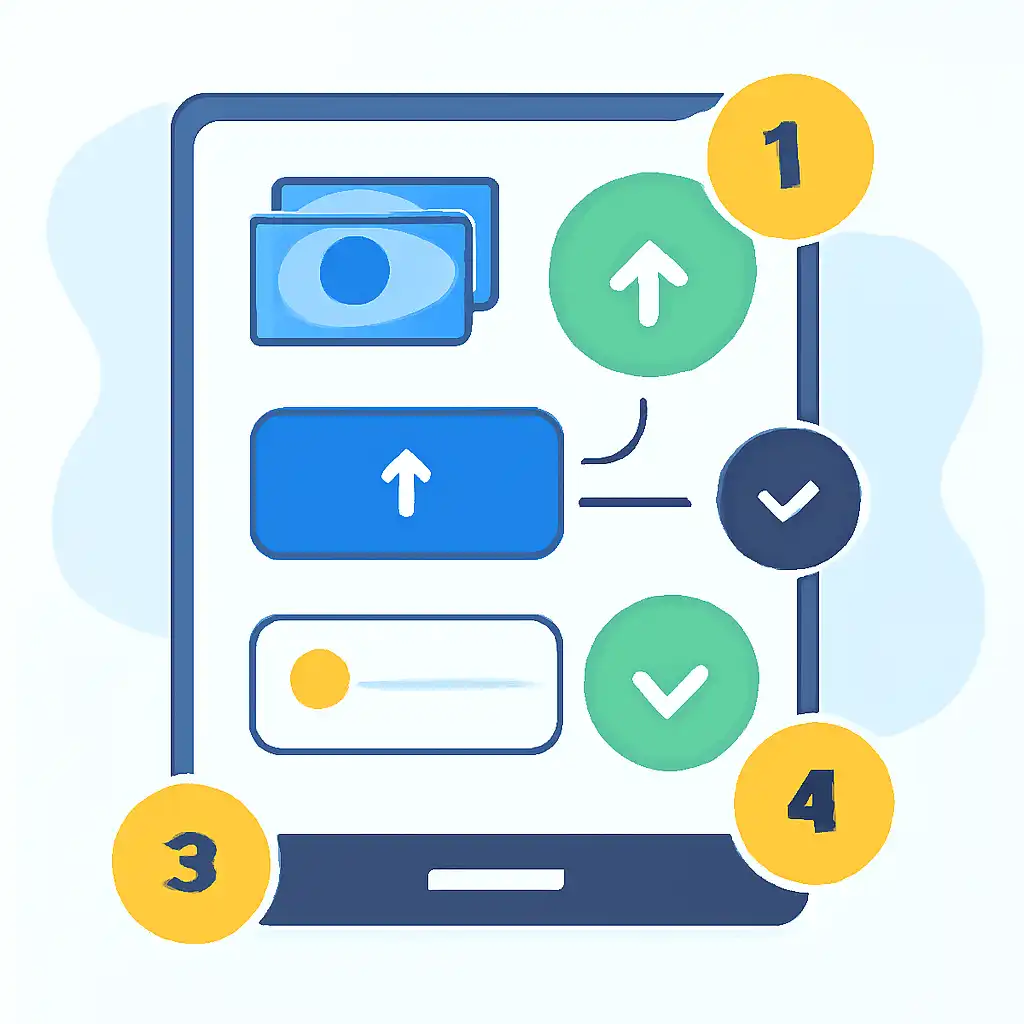
Follow this exact sequence to request a withdrawal on 1Win Game while staying comfortably within your active limits. Each step includes what to look for on screen so you can move through the process with confidence, whether you are using PhonePe, GPay, BHIM, Paytm, net banking, or a crypto wallet.
-
Log in and open the Cashier
Open the1win.net in your browser or the 1Win Game mobile app. Sign in with your registered email and password. Click the green Withdraw button in the top-right navigation bar. On mobile it appears in the slide-out menu under My Account. The Cashier panel loads with your balance summary at the top. -
Read your withdrawable balance, not your total balance
The Cashier displays two figures side by side: Total Balance and Withdrawable Balance. The difference between them is locked bonus money or unsettled bets. Use only the Withdrawable Balance when deciding how much to request. Entering any figure above this number will always fail regardless of which payment method you select. -
Select your payment method
Choose from UPI (which covers PhonePe, GPay, BHIM, and any other UPI-linked bank account), Paytm, Net Banking, or Crypto. The system immediately updates the Minimum and Maximum fields to reflect the limits for that specific method on your account tier. If the limits appear lower than the standard values shown in the table above, it means your KYC documents are still under review, complete verification before proceeding. -
Enter your payment details accurately
For UPI withdrawals, type your VPA (Virtual Payment Address), for example, yourname@ybl for PhonePe, yourname@okicici for GPay linked to ICICI Bank, or yourname@upi for BHIM. Double-check every character; a single typo routes funds to a wrong account and recovery is difficult and slow. For net banking, enter your account number, IFSC code, and account holder name exactly as they appear on your bank passbook or statement. For Paytm, make sure the mobile number you provide matches the Paytm wallet registered to your KYC identity. -
Enter the withdrawal amount within your active limit range
Type an amount between the displayed minimum and maximum. If you want to withdraw ₹2,50,000 via UPI (where the per-transaction cap is ₹1,00,000), enter ₹1,00,000 for this first request. You will submit subsequent requests for the remaining ₹1,50,000 after each prior request is approved. Do not attempt to enter ₹2,50,000 in one go, the system will reject it before any processing begins. -
Check your remaining daily quota on screen
Below the amount field, 1Win Game shows a Daily Limit Used indicator, for example, "₹1,00,000 used of ₹5,00,000 daily limit." Confirm your current request will not push the running total past the ceiling. If it would, either reduce the amount or wait until midnight IST for the daily counter to reset before submitting the larger portion. -
Confirm and authenticate with OTP
Click Confirm Withdrawal. Within seconds a one-time password is sent to your registered mobile number via SMS, and sometimes also to your registered email. Enter the OTP in the pop-up field within the 3-minute countdown. This step is mandatory for every single withdrawal request, so keep your registered SIM card active at all times. -
Monitor status in Transaction History
Go to My Account → Transaction History and filter by Withdrawals. Status labels mean: Pending, the request is in the compliance queue (typically 15 to 30 minutes for standard UPI amounts); Approved, 1Win Game has released the funds to your payment provider; Completed, funds confirmed as credited on both sides; Declined, review the reason code shown and resubmit after resolving it (most commonly: KYC not verified, amount above limit, or a mismatched UPI VPA). -
Submit follow-up requests for remaining balance
Once the first transaction reaches Approved, submit your next request for the next portion of funds. Repeat until your full withdrawable balance has been transferred, checking the running daily limit counter before each submission.
Speed tip: PhonePe and GPay typically credit incoming UPI transfers the fastest, usually within 15 to 30 minutes of 1Win Game marking a request as Approved. BHIM can take up to 60 minutes during peak UPI traffic hours (evenings between 7 PM and 10 PM IST). If same-day receipt matters, choose PhonePe or GPay over BHIM or Paytm for your primary cashout method.
Withdrawal Limits for New Players
If you registered on 1Win Game recently and have not yet completed identity verification, you are operating under pre-KYC withdrawal limits: a deliberately conservative set of caps that exist to prevent fraudulent account churning and comply with PMLA (Prevention of Money Laundering Act) obligations applicable to Indian users. Before KYC approval, your cumulative withdrawal ceiling can be as low as ₹10,000 per day and ₹25,000 per month, regardless of which payment method you select.
This means a new player who wins ₹50,000 on day two cannot cash out the full amount until their documents are reviewed and approved. The single most important action any new player can take is to submit KYC documents at registration, not after a win, because verification can take up to 24 hours on busy days.
To complete KYC on 1Win Game, navigate to My Account → Verification and upload a clear colour photograph or scan of one government-issued photo ID (Aadhaar card, PAN card, or passport) plus one proof of address if your chosen ID does not show your current address. Make sure the document is not expired, all four corners are visible in the image, and the text is legible, blurry uploads are the number-one reason verification is delayed.
Once the compliance team approves your submission, your account automatically graduates to standard verified limits within 24 hours, unlocking the full per-transaction maximums for UPI (₹1,00,000), Paytm (₹49,999), and net banking (₹5,00,000). You will receive an in-app notification and an email when the upgrade is confirmed.
New players should also be aware of how the welcome bonus interacts with withdrawal eligibility. The 1Win Game first-deposit bonus typically comes with a wagering requirement (for example, 35× the bonus amount). Until that playthrough target is fully met, the bonus portion of your balance remains locked and is not counted in your withdrawable figure. A practical strategy for new players is to deposit only what you genuinely plan to play with, meet the wagering requirement on the bonus before requesting any cashout, and then submit your first withdrawal only after both your KYC status shows Verified and your bonus status shows Wagering Complete.
This two-step readiness check ensures your first withdrawal request is approved on the very first attempt, a smooth start that also signals your account as low-risk to the 1Win Game payment team, which can translate to faster processing times on all future withdrawal requests.