UPI Deposits, 1Win Game
Upi deposits: what Indian 1win game players need to know before they start, in plain language.
What Is UPI Deposits?
UPI (Unified Payments Interface) is a real-time payment system built and governed by the National Payments Corporation of India (NPCI). It links your savings or current bank account to a Virtual Payment Address, a short string such as yourname@okaxis or 9876543210@ybl, and lets you push money instantly, around the clock, without sharing card numbers or net-banking credentials with any third party.
At 1Win Game, UPI is the primary deposit method for Indian players because it combines three things that matter most in a gaming context: speed, security, and zero platform-side transaction fees. When you initiate a UPI payment on the cashier page at the1win.net, funds move directly from your bank account to your 1Win Game wallet over NPCI infrastructure, typically settling within seconds during normal banking hours.
Which UPI apps are accepted?
Any NPCI-certified UPI application is compatible. The most widely used options include Google Pay (GPay), PhonePe, Paytm, BHIM, Amazon Pay, and bank-branded apps such as SBI YONO, HDFC MobileBanking, and ICICI iMobile Pay. If your app holds an active, bank-linked VPA, it will work for a 1Win Game deposit without any special configuration.
Minimum deposits and processing times
1Win Game publishes its current minimum deposit thresholds and any bonus qualifying amounts in the cashier section of the1win.net. Processing is handled entirely over NPCI rails, so transfer times mirror standard UPI behaviour, near-instant in most cases, with an outer window of two to three minutes when the NPCI network is under peak load.
UPI Deposits on Mobile
Because UPI is a mobile-first payment system, depositing from a smartphone is the smoothest experience. The1win.net is fully optimised for mobile browsers, so the entire deposit flow, selecting UPI, entering an amount, and confirming the transfer, runs inside your browser without any additional software required.
Android: UPI intent flow
Open the1win.net in your Android browser, Chrome handles UPI intent links natively. Go to the cashier, select UPI, and enter your deposit amount. After you tap confirm, Android presents a system sheet listing every UPI app installed on your device. Tap the one you want to use. That app opens, displays the payee name and the exact amount, and asks for your UPI PIN. Enter your PIN to authorise. You are returned to the browser automatically and your 1Win Game wallet updates within moments.
The intent flow means Chrome passes the payment instruction directly to your chosen UPI app, so there is no manual copying of UPI IDs or switching between screens, the handoff is seamless.
iOS: copy UPI ID or scan QR
Open the1win.net in Safari or Chrome on your iPhone. In the cashier, choose UPI and enter your deposit amount. The page will display a UPI ID and, where supported, a QR code image. You have two paths: copy the UPI ID, open your preferred UPI app, GPay, PhonePe, Paytm, or any other NPCI-certified app, and use its "Pay by UPI ID" field to paste and send; or open your UPI app's in-app scanner and point it at the QR code on screen. Confirm the amount and authorise with your UPI PIN. Return to the1win.net tab; the wallet balance updates once NPCI confirms the transfer.
Tips for a smooth mobile deposit
- Confirm your UPI app is linked to a bank account with sufficient funds before starting.
- Keep the browser tab open and in the foreground until the confirmation screen appears, closing it mid-transaction can delay wallet crediting.
- If the Android intent sheet does not appear, copy the UPI ID shown on screen and complete the payment manually inside your UPI app.
- Most Indian banks cap UPI transactions at ₹1 lakh per day; check your bank's limit before making a large deposit.
UPI Deposits, Common Questions
Why did my UPI payment fail?
Most UPI failures fall into four categories: insufficient account balance, daily transaction limit reached, an incorrect UPI PIN entered, or a brief NPCI network outage. Check your bank app or the SMS your bank sends after every UPI attempt, it will confirm whether your account was debited. If money left your account but your 1Win Game wallet was not credited, note the UTR (UPI Transaction Reference) from your bank statement and contact 1Win Game support directly; the team can reconcile the payment against NPCI records and credit your wallet manually.
How long does a UPI deposit take?
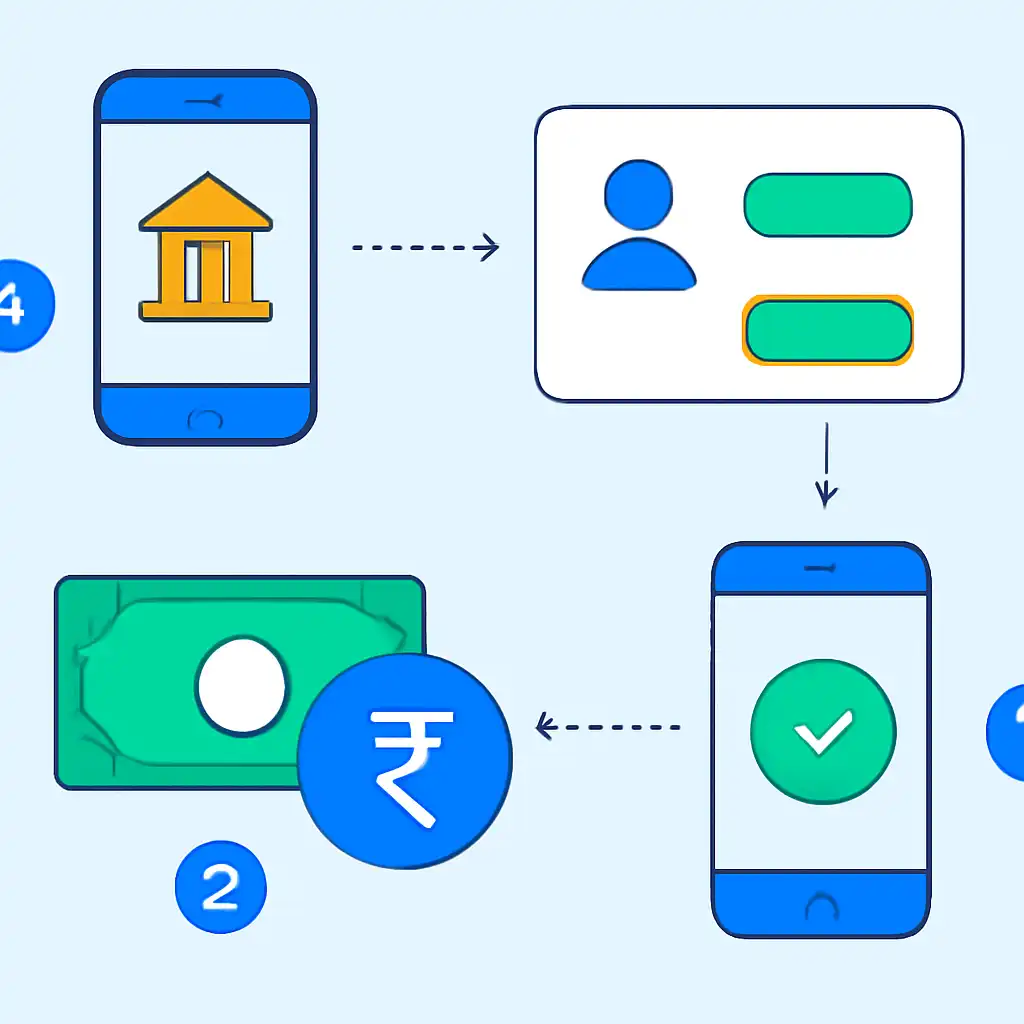
Standard UPI transfers settle in under 60 seconds. During high-traffic periods, weekday evenings, month-end salary dates, and festive seasons, NPCI load can push settlement to two or three minutes. If your wallet has not updated after five minutes and your bank confirms the debit, raise a support ticket with your UTR number.
Are there fees on UPI deposits?
1Win Game does not charge a platform fee on UPI deposits. Your own bank may apply UPI service charges, though most Indian banks offer free UPI transfers for personal accounts up to a certain monthly volume. Check your bank's published fee schedule to be sure.
Can I use more than one UPI ID?
Yes. There is no restriction on which VPA or UPI app you use for any given deposit. You can use GPay for one transaction and PhonePe for the next without any penalty, provided each app is NPCI-certified and linked to an account with sufficient funds.
What if I deposited the wrong amount?
Once a UPI payment is authorised and confirmed by NPCI, it cannot be reversed by the sender. Any surplus over your intended amount sits in your 1Win Game wallet and is available for gameplay immediately. If you require a partial withdrawal of that surplus, check the withdrawal policy published on the1win.net, as wagering conditions may apply.
UPI Deposits for New Players
If you have just registered a 1Win Game account, UPI is one of the fastest ways to fund your wallet and activate the welcome offer. Near-instant settlement means you can confirm your bonus eligibility straight away rather than waiting for a bank processing window. Here is what new players should know before making that first transfer.
Setting up a UPI app before you deposit
You need a UPI app already installed and registered to an active Indian bank account. If you do not yet have one, install Google Pay, PhonePe, or your bank's official app from the Google Play Store or Apple App Store, register with your mobile number, and link your bank account. NPCI assigns a VPA automatically during setup. The process takes roughly five minutes and requires nothing beyond your standard bank credentials.
Your first deposit, step by step
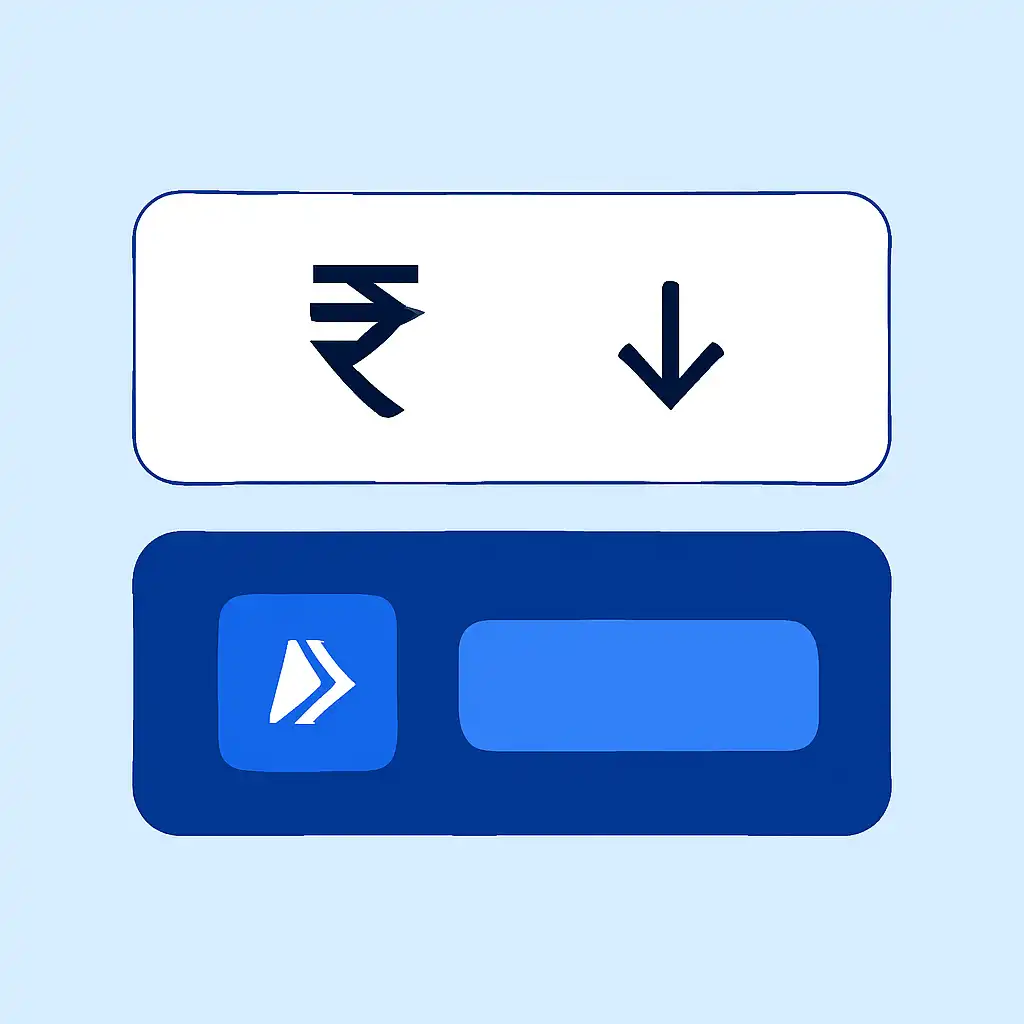
- Log in to your 1Win Game account on the1win.net and open the cashier or deposit section.
- Choose UPI from the list of available payment methods.
- Enter the deposit amount, keep the minimum qualifying threshold for the welcome bonus in mind.
- On Android, select your UPI app from the intent sheet that appears; on iOS, copy the UPI ID or scan the QR code inside your UPI app.
- Verify the payee name and amount shown in your UPI app before confirming.
- Authorise with your UPI PIN and wait for the confirmation screen on the1win.net, your wallet and any triggered bonus credit update automatically.
Welcome bonus and UPI timing
1Win Game ties its first-deposit offer to a minimum qualifying amount. Because UPI credits are near-instant, you can verify your wallet balance and bonus activation immediately after the PIN step, without any bank-processing delay. The full bonus terms, percentage match, maximum cap, and wagering requirements, are published in the promotions section of the1win.net.
KYC and deposit limits on new accounts
New 1Win Game accounts typically carry lower deposit and withdrawal ceilings until identity verification is complete. Submitting a government-issued document, Aadhaar, PAN card, or passport, through the verification section of the1win.net raises those limits and ensures your first UPI withdrawal is not held for manual review. Completing KYC early is the single most effective step a new player can take to avoid friction on both deposits and withdrawals.